
About the product
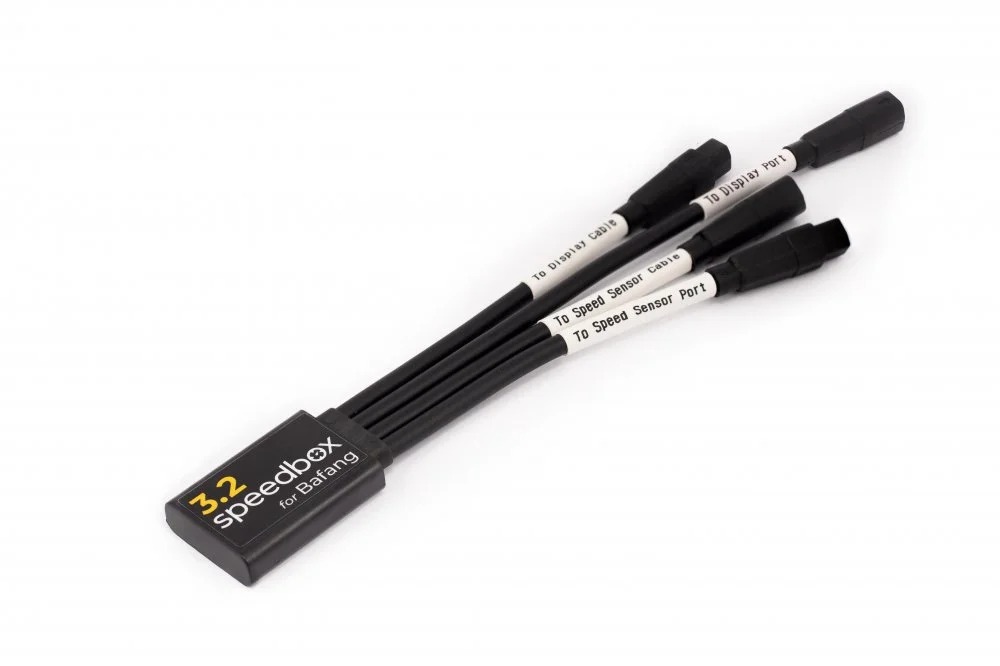
SpeedBox 3.2 for Bafang – Adjustable Speed Limit
The SpeedBox 3.2 allows you to set your preferred speed limit. After installation and configuration, your e-bike display continues to show actual riding data, including maximum and average speed, daily distance travelled and riding range.
Smart Control – Easy Activation and Deactivation
The tuning module can be controlled directly via the e-bike's display controls:
Activate tuning: Press the LIGHT button or use the + – + – button sequence. The display shows 99 km/h (62 mph), indicating that tuning mode is active and the speed limit has been removed.
Deactivate tuning: Press the LIGHT button or use the + – + – button sequence again. The display shows 25 km/h (16 mph), restoring the standard 25 km/h speed limit.
Once deactivated, the e-bike operates as it did before the tuning module was installed.
Adjusting the Maximum Speed Limit
The maximum motor assistance speed can be adjusted directly through the e-bike's controls:
Shift down through the assistance levels by three steps, then shift up by three steps.
The current speed limit will appear on the display.
Briefly press the LIGHT button or rotate the rear wheel by 360° to change the maximum speed limit.
The last displayed speed limit is saved after 5 seconds of inactivity.
Compatibility
Compatible Motors
Bafang Max Drive M200
Bafang Max Drive M210
Bafang Max Drive M410
Bafang Max Drive M500
Bafang Max Drive M510
Not Compatible With
SpeedBox App
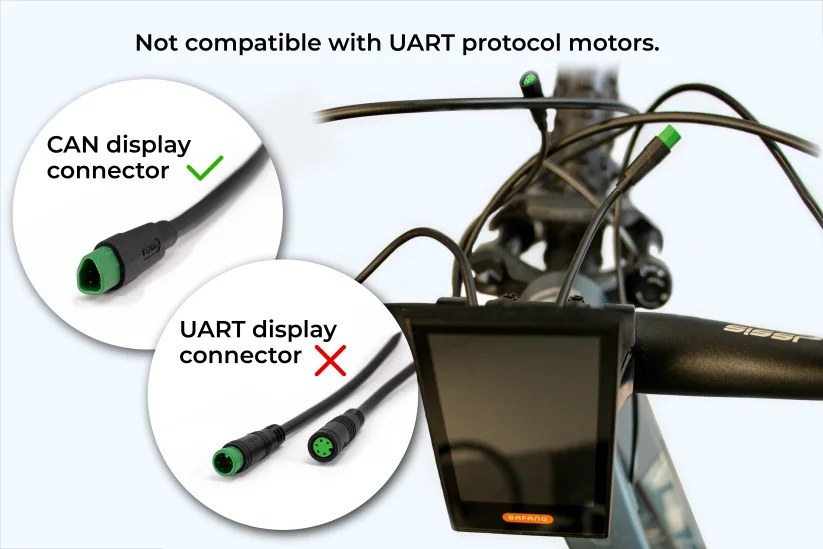
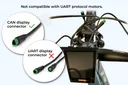
Displays with UART connectors
Bafang Max Drive M300
Bafang Max Drive M400
Bafang Max Drive M420